→
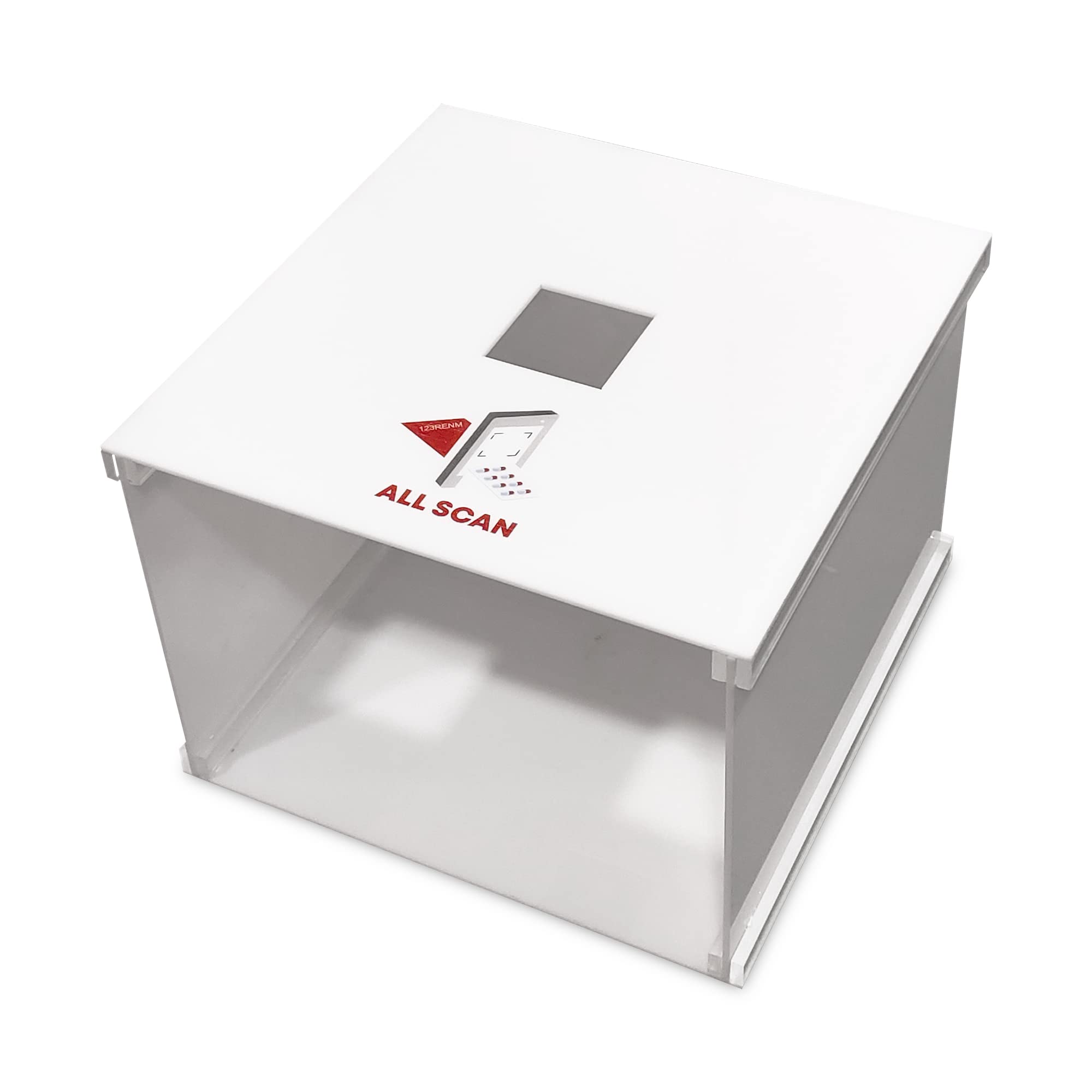
GROB All Scan Mobile Application with scanner bin box.
Product Overview
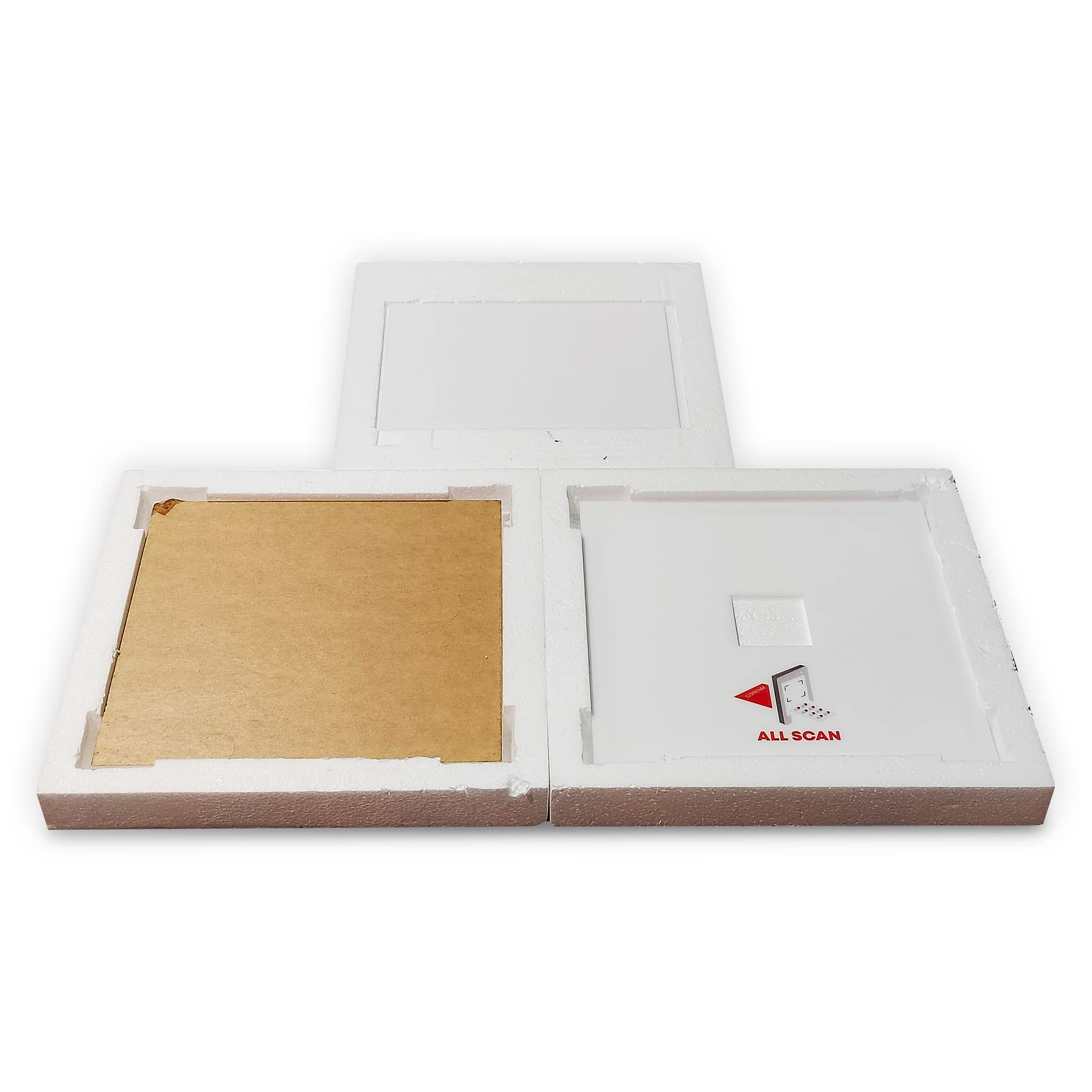
Self-assembled white acrylic box to scan medicine and packaged goods with mobile camera
Product Details
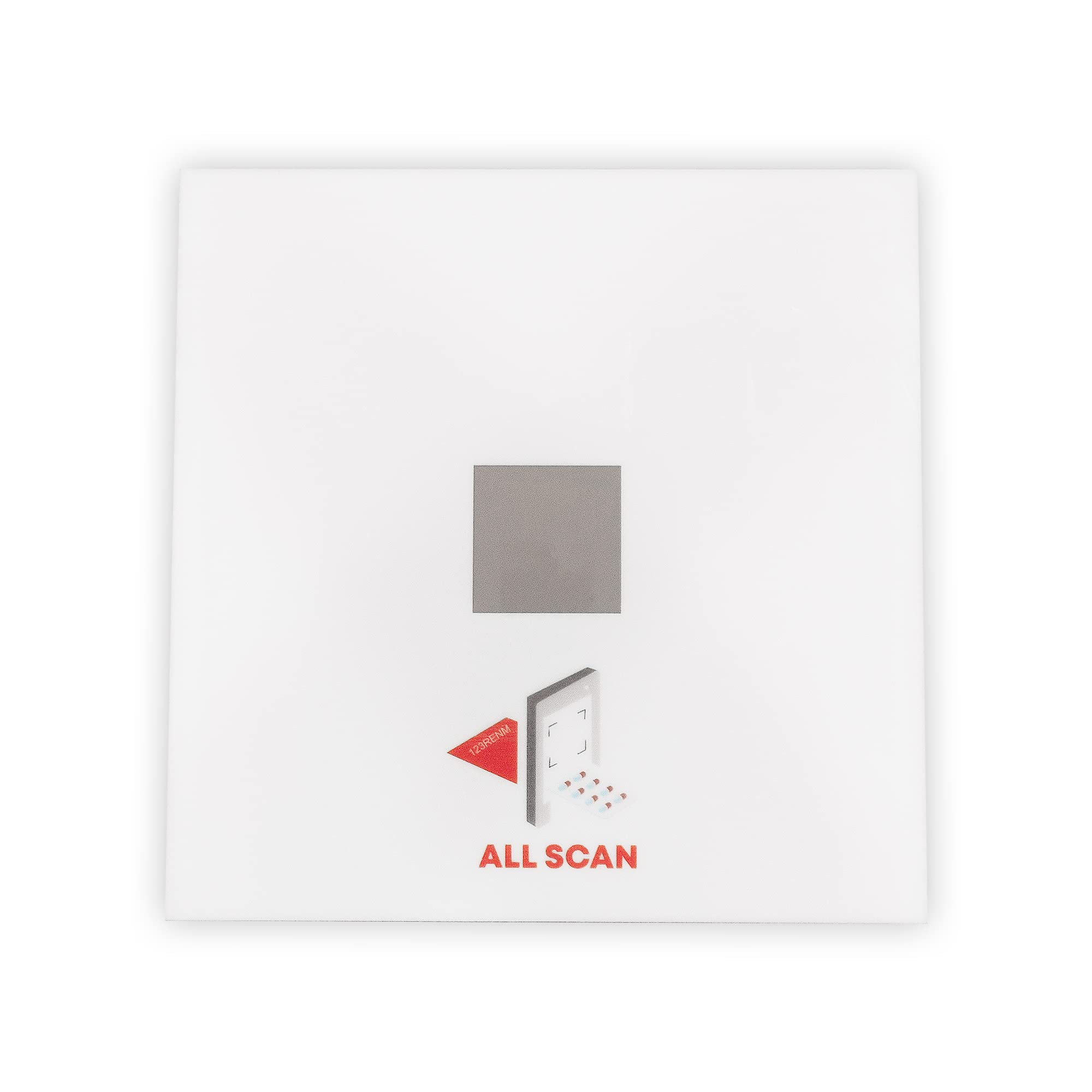
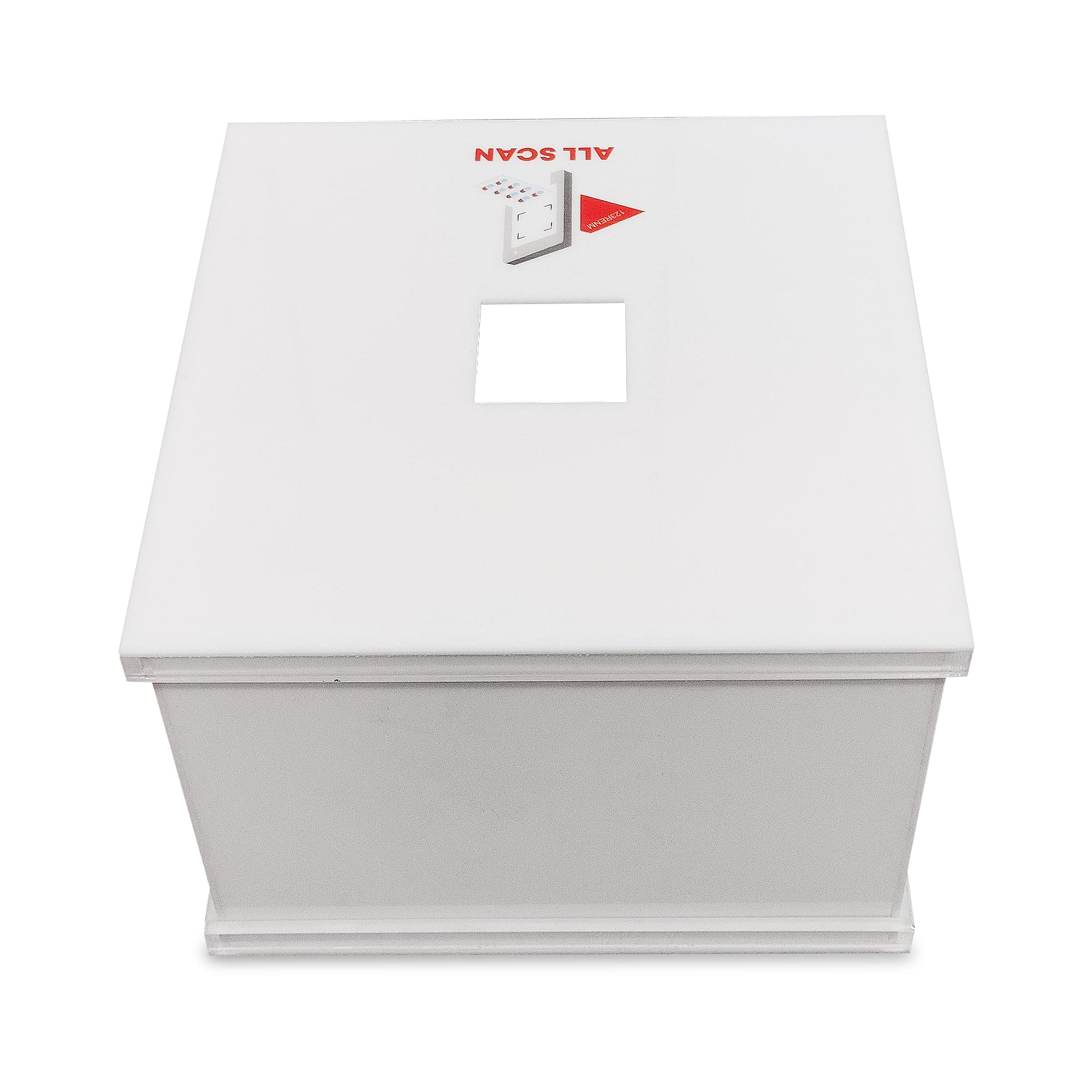
| Assemble box by sliding the slide panel into the slits provided. Place lid with square cutout on top. Place mobile camera part on top of lid and mobile should be placed in such a way that it covers the whole cutout area on top (no direct light passes from top) | Place mobile on top with All Scan App and connect with computer / laptop to get scanning results inside your ERP / Billing system. Just like products, whatever picture is taken, the result will be displayed inside your ERP. | Use for all types of Physical Stock Verification - billing, batch-wise physical goods checking, purchase verification, expiry, sales returns & purchase returns | Box has rectangular cutout on top to place mobile camera | Box has black acrylic strip square on base to place the batch stamp area of the product being scanned |